

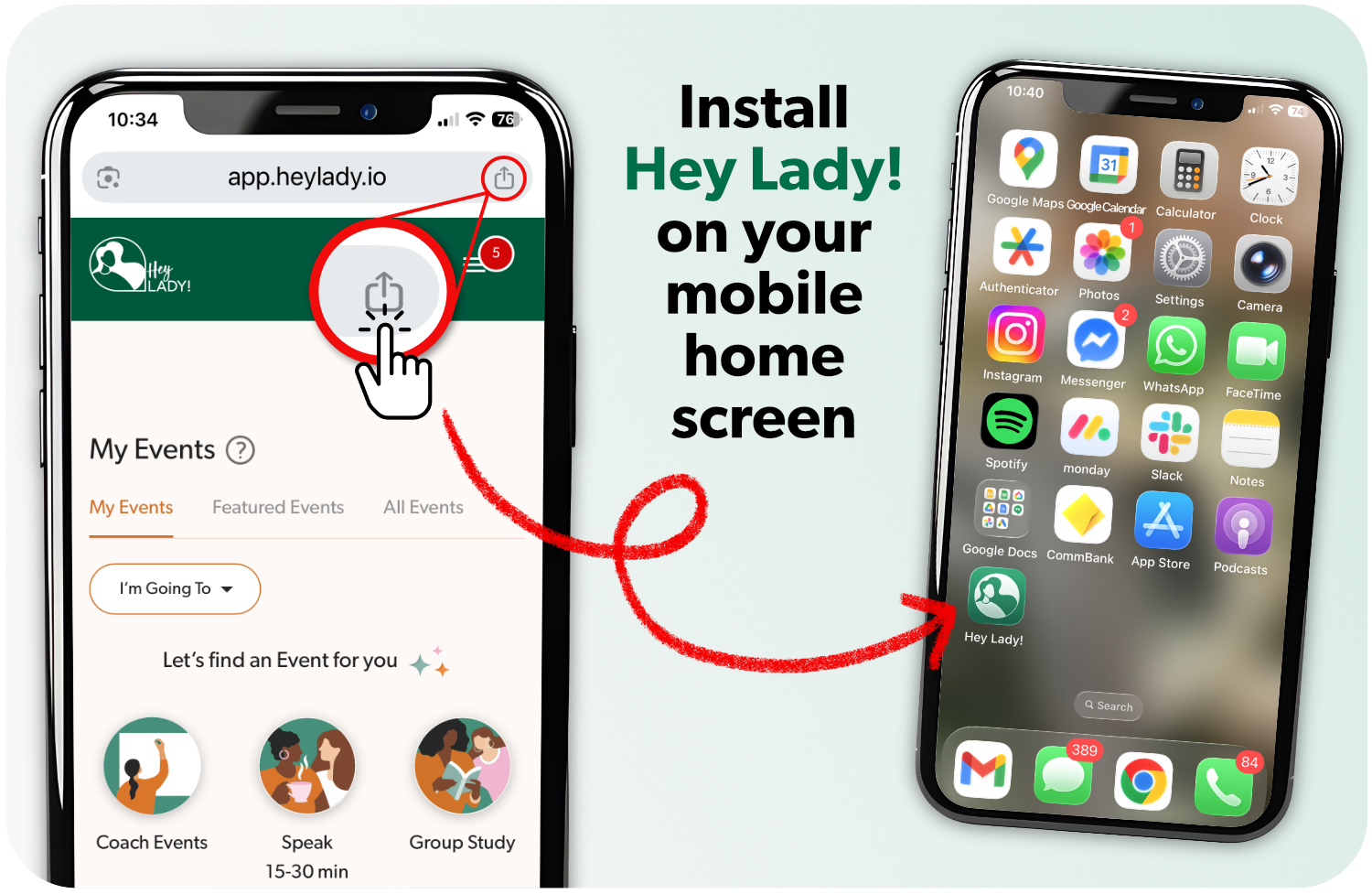
We don't currently have a mobile app that you download to your phone.
But you can install Hey Lady! to your mobile's Home Screen (instructions below). This will add a Hey Lady! icon you can tap to open, similar to an app you download.
Alternatively, you can access Hey Lady! using any browser on your mobile or tablet simply by visiting app.heylady.io. If you ‘bookmark’ or ‘star’ this link in your browser, you will be able to access the platform faster.
We recommend using Chrome for the best performance.
How to add Hey Lady! to your mobile or tablet's home screen
iPad or iPhone
Launch the “Chrome” app.
Go to the webpage app.heylady.io
Tap the icon on the right side of the address bar (the box with arrow at the top of the screen)
Tap “Add to Home Screen.” The Add to Home dialog box will appear, with the icon that will be used for this website on the left side of the dialog box.
Enter the name for the shortcut (for example, Hey Lady!) using the on-screen keyboard and tap “Add.” Safari will close automatically and you will be taken to where the icon is located on your iPad’s desktop.
Android
Launch the “Chrome” app.
Go to the webpage app.heylady.io
Tap the menu icon (3 dots in upper right-hand corner) and tap Add to home screen.
You’ll be able to enter a name for the shortcut (for example, Hey Lady!) and then Chrome will add it to your home screen.
You can also watch the video below that will show you how to add it to your home screen on Android.