

Instructions on how to duplicate your Hey Lady! event
Duplicating events you have hosted in the past or are going to is super simple - just follow the instructions below!
1. Go to Events.
2. Click My events and select either I'm Hosting or I hosted - depending on where your event is located
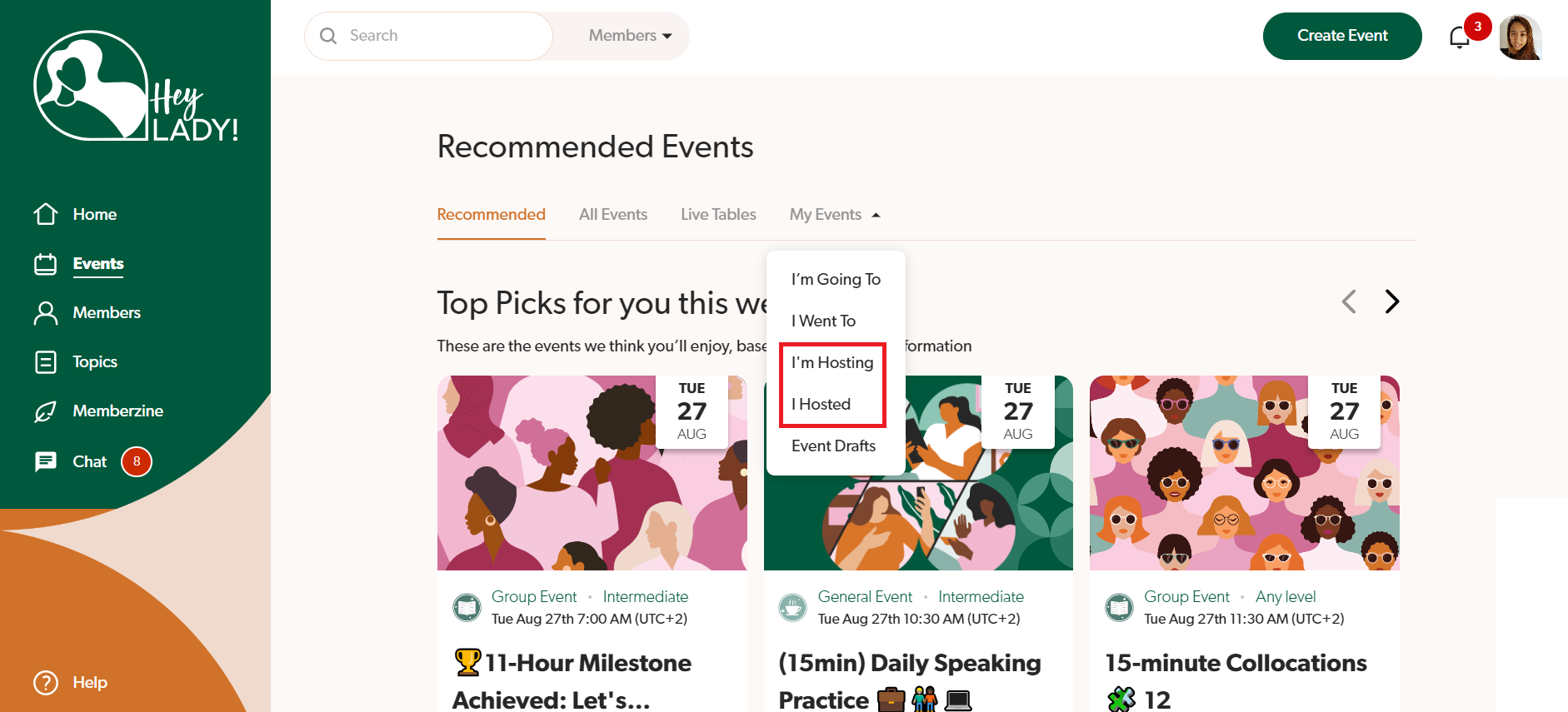
3. Find the event you want to edit and click the 3 dots next to it.
4. Click Duplicate event.
5. Set up and publish your event.
Note: Ladies who attended a past event will be included in the Hosts and Participants section and invited. If you do not want to invite them, simply click the X icon to remove them!