

If you're hosting an event, you will see a button Close Door in your meeting controls.
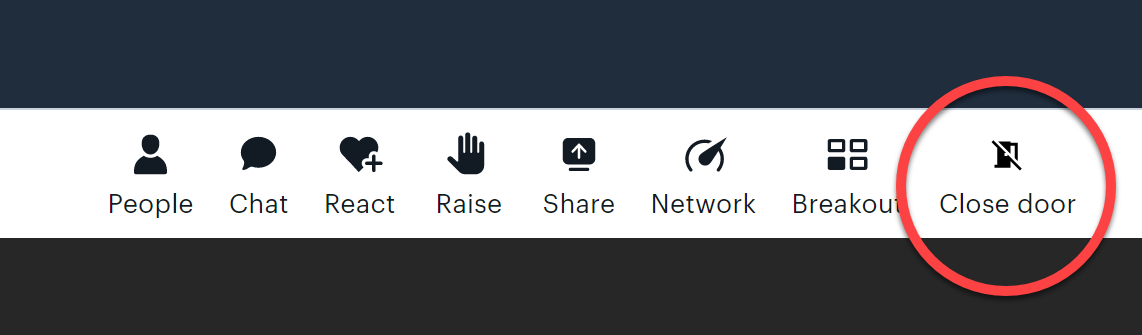
How do I close the door?
When you click this button, anyone else who wants to join the call will need to 'knock' to come in.
This is useful for when you don't really want to admit ladies who are late to your event.
If the host closes the door, this is what participants will see when they try to join an event:
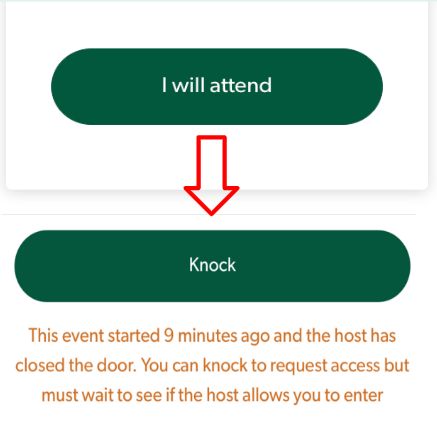
When the person wanting to join 'knocks', the host will hear a sound and see a popup to notify them that someone wants to enter.
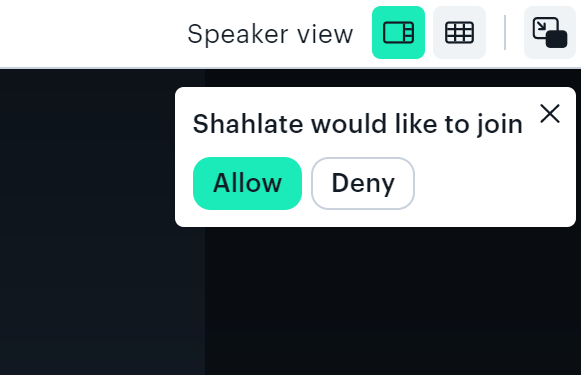
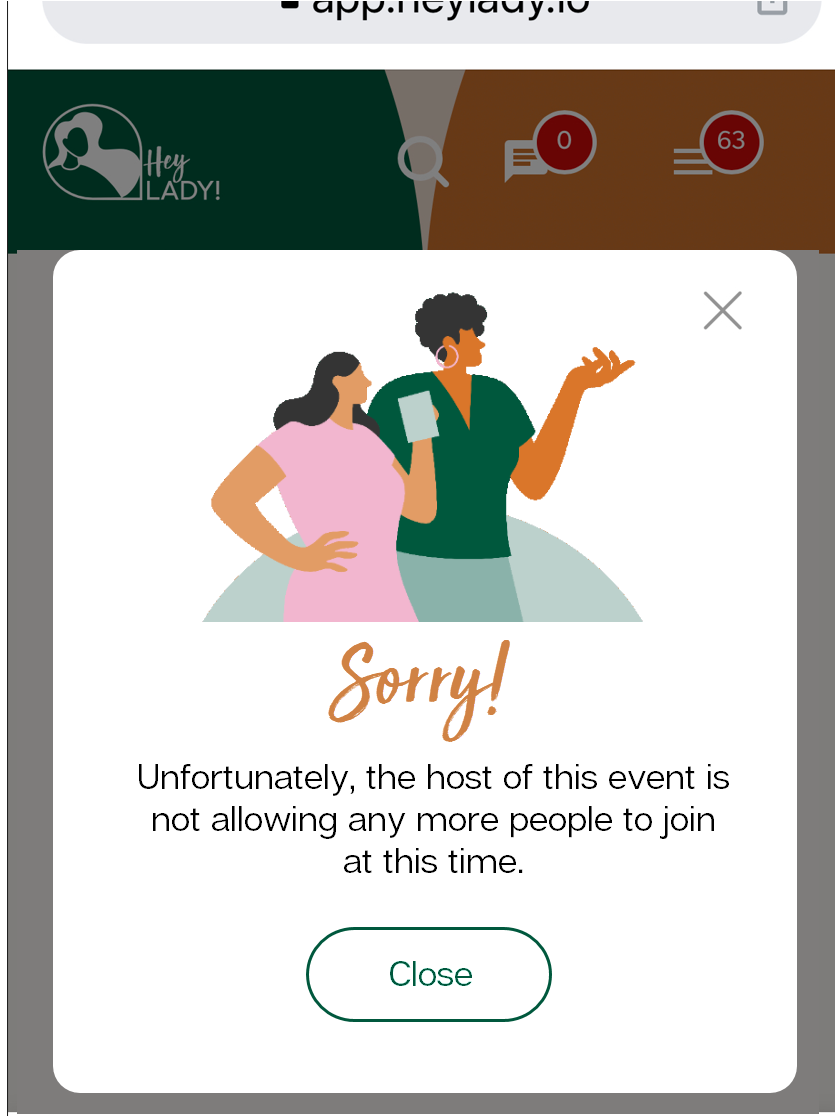
If the host clicks Allow the lady will enter the call, and if breakouts are in session, they will enter the main room. If the host clicks Deny, the lady will be taken back to the Hey Lady! platform and notified that the host is not letting any more people in at this time (this popup message will appear on their screen)
How do I open the door?
At any point, you can open the door again and let ladies join your event freely! Just click the Open door button in the menu:
